
Ships ·
Holographic Shell
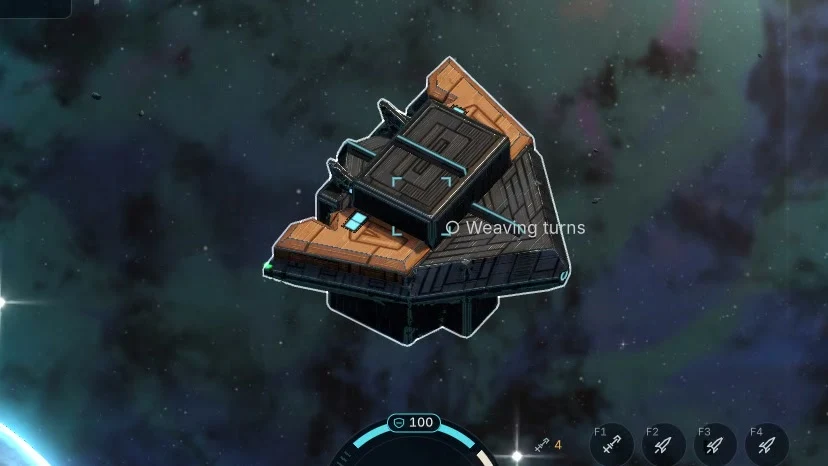
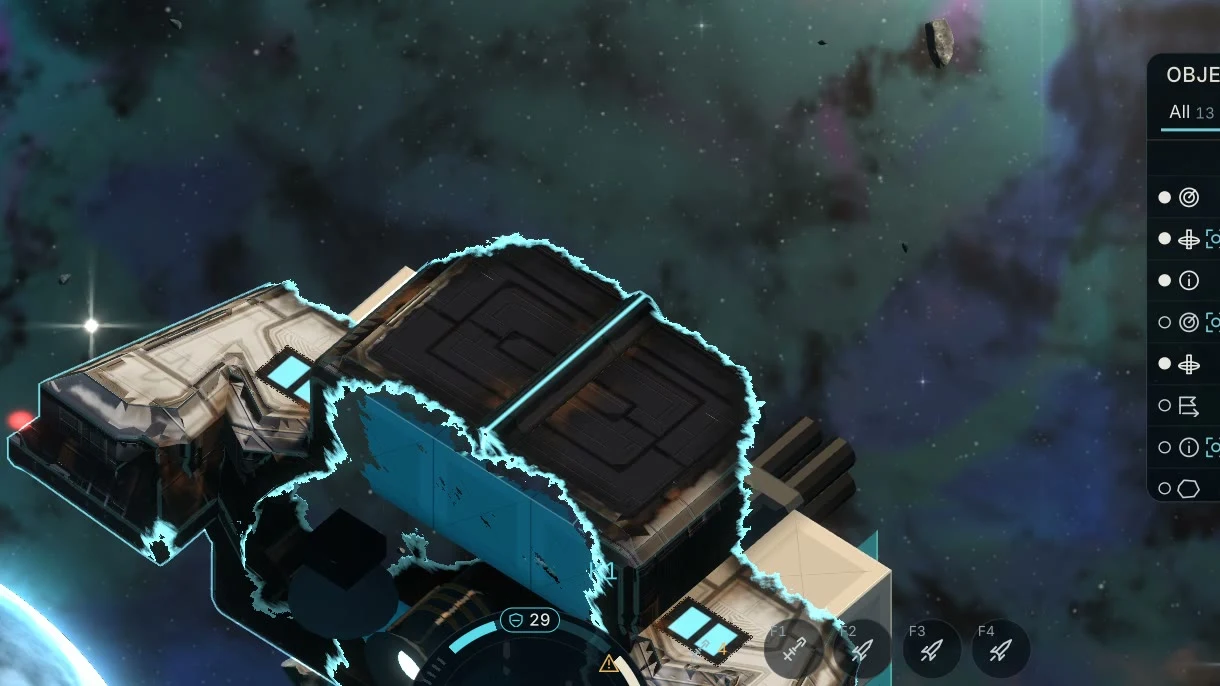
Give a ship built from blocks its own silhouette. An impact can tear the projection and expose the structure beneath it.
Projection and impact captured in the Windows Home Loop prototype
Build the ship underneath
Start with a core and build outwards with working blocks. Place the engines, armour and equipment where you need them. Once the ship is assembled, a holographic shell projects a silhouette around those parts.
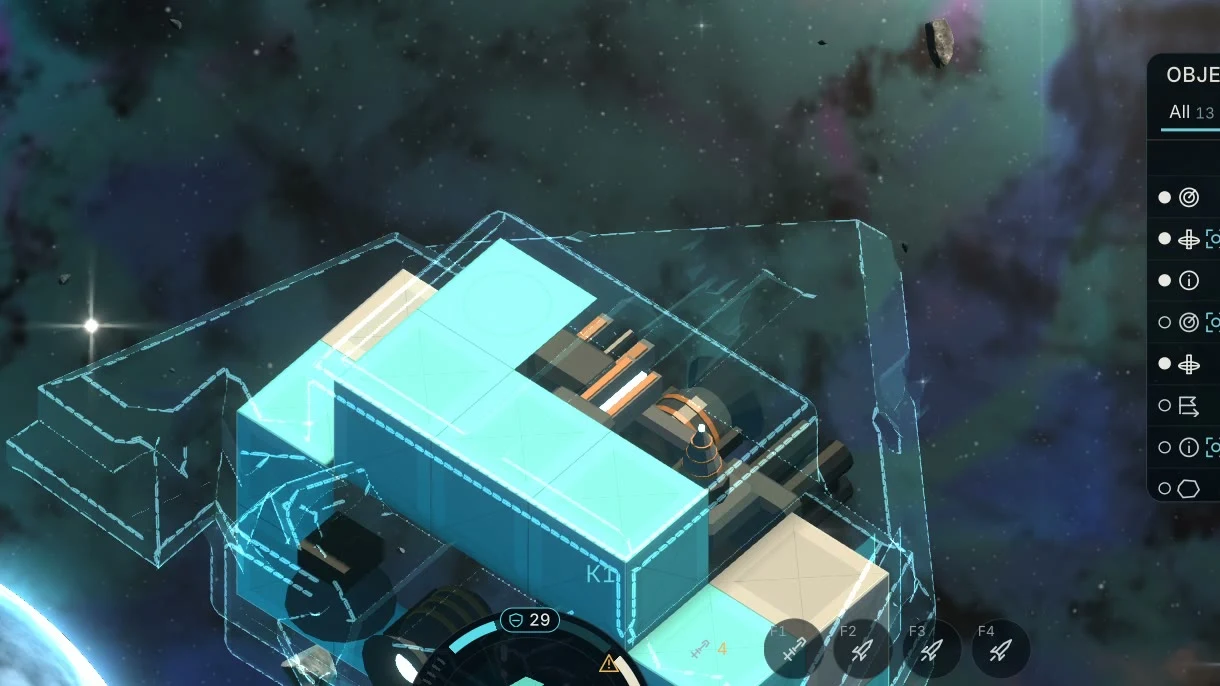
The frame and modules still determine the ship’s mass and the shape it can collide with. A wide-looking shell can cover a compact frame. The ship keeps the same mass and collision shape as the projection switches on or off.
What a hit reveals
In the prototype, a hit can tear the projection around the point of impact. Look at the damaged edge and you can see the blocks underneath. When the shot also destroys a component, the ship loses the function that component provided. Losing a manoeuvring thruster can change how the ship turns.
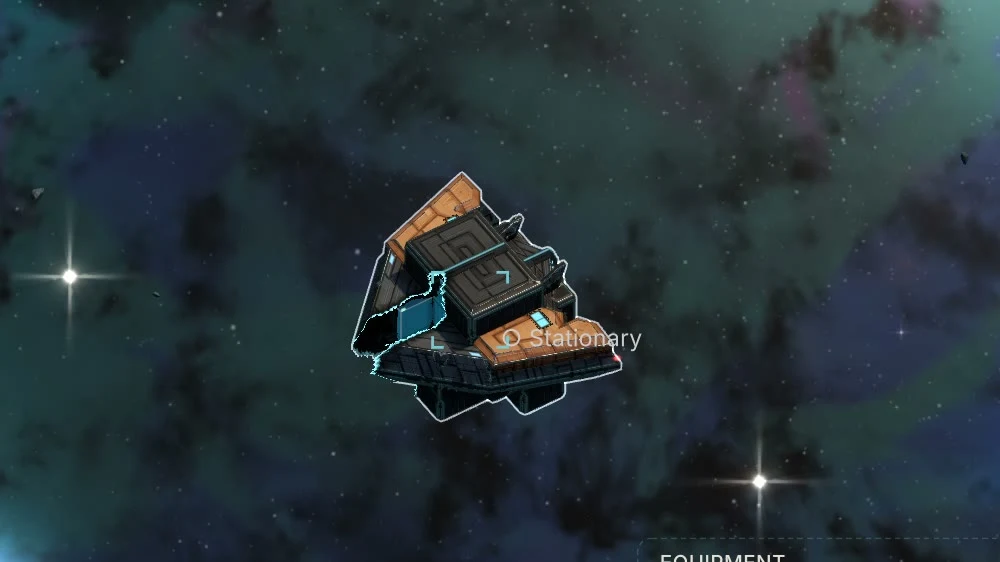
The silhouette tells you what another ship looks like at a glance. Its actual block layout determines what can take a hit and which parts contribute to its sensor signature.